
Quick update on my previous post. Now all hard packed with a fresh coat of powder on top, closing in on 6′-high.
This is starting to be fun. 🙂
Quick update on my previous post. Now all hard packed with a fresh coat of powder on top, closing in on 6′-high.
This is starting to be fun. 🙂
http://www.vimeo.com/4068118
Midnight in a Perfect World
Found: DJ Shadow‘s Vimeo account.
Action: Subscribed! 🙂
R.E.M.’s upcoming album Collapse Into Now is coming in March, but the band is already getting the buzz going with a little crowdsourcing experiment. A couple days ago, the album’s producer released some tracks from the song “It Happened Today” in files that can easily be imported into Garageband, the music mixing software that comes on new Macs. Fans are invited to remix the song and upload their new versions under Creative Commons license to SoundCloud.
http://twitter.com/#!/stephdau/status/35186549465284609
[youtube=http://www.youtube.com/watch?v=0Mg2deSkgoE]
Spaceship Earth, by MC Xander.
Yet another brilliant performance captured live by BD.
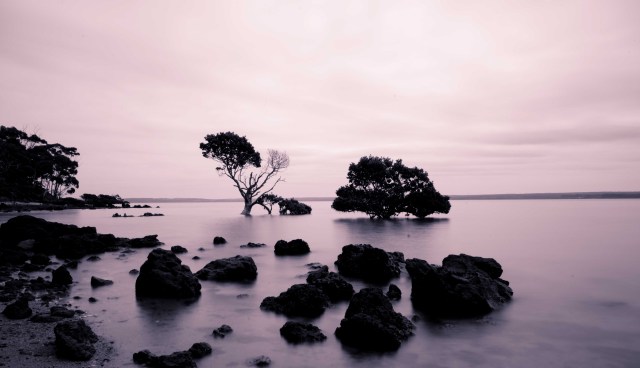
I really wish I had taken this photo but it’s unfortunately not the case. I haven’t found my way to Australia yet. Shot in Tendy Bay, Victoria.
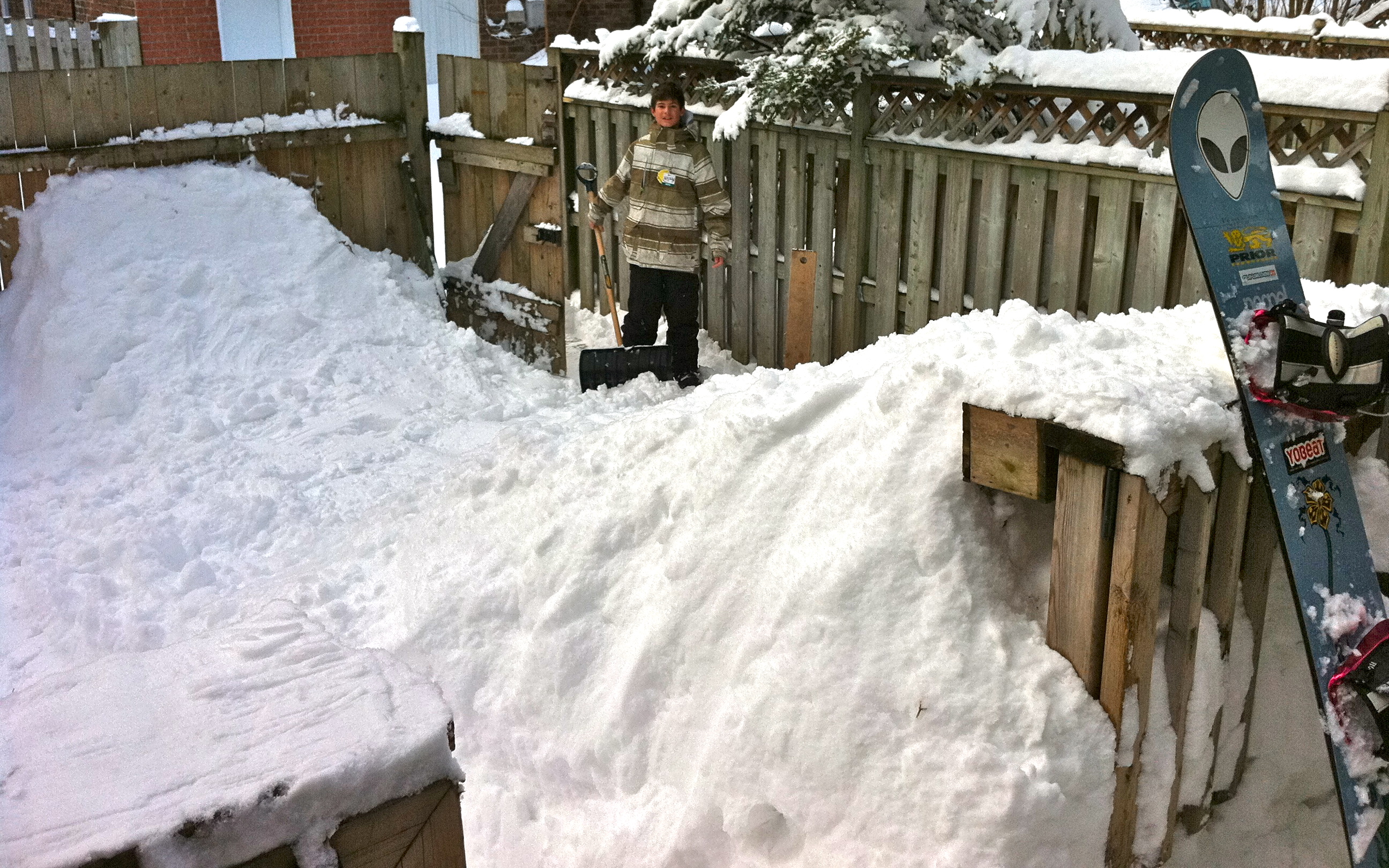
The snow’s on the ground anyway, why not do something fun with it? For us, it means a couple of big piles so we can have fun with our sleds and snowboards.
[youtube=http://www.youtube.com/watch?v=fw-nJRD78tA]
Dub Mafia ‘Under The Radar’ (BBC Session)
See also: Dub Mafia ‘Rhythm Running’ (BBC Session)
Apple‘s Time Machine backup tool is pretty cool when you own a Mac. Thing is, if your laptop drive dies while on the go and you do not have your OS X install DVD, you’re all out of luck for a restore…. To cope with this, here’s what I did with the 2.5″ external drive I backup my MacBook Pro with and take with me on most trips.
Since the drive is 500GB, which happens to be 180GB larger then my laptops’d drive, I didn’t want to use all of the space for incremental backups. Instead, I keep some spare space by splitting the drive in two partitions. I made my backups partition 330GB: my drive’s size + 10GB for the 6+GB OS X install DVD. The second partition, with an extra 170GB, can be used for movies, photos, etc when traveling.
When you format your drive with Disk Utility, be sure to select a partition scheme appropriate to boot the most likely Mac you’ll be dealing with. A lot of drives come with Master Boot Record installed, for Windows/DOS computers. Select GUID Partition Table for Intel-based Mac, by clicking the Options button underneath the partition graph in Disk Utility, then format your drive.
Once the drive formatted, Use Disk Utility to restore your Mac OS X Install DVD to your backup partition. This will give you a bootable partition, as well as give you a full OS X installer, in case of disaster with any of your or anyone else’s Mac.
Finally, simply select the same partition as your Time Machine target, run an initial backup and you’re all set. If disaster strike with your backed-up system, simply boot from your external backup drive and restore from it.
An alternative to this setup is to backup your Mac by cloning your drive with Carbon Copy Cloner (support incremental backups and scheduling too). One advantage is that your external drive is an exact copy of you backed-up system. So in case of disaster, you don’t even have to restore to be fully functional again if needed. You can simply boot from your backup drive and start working from there. When it’s time to restore, simply clone the said drive to a new one and pickup right where you left off. I might do that for my laptop, but I like the concept of having the OSX installer and backups at once with me in the meantime.
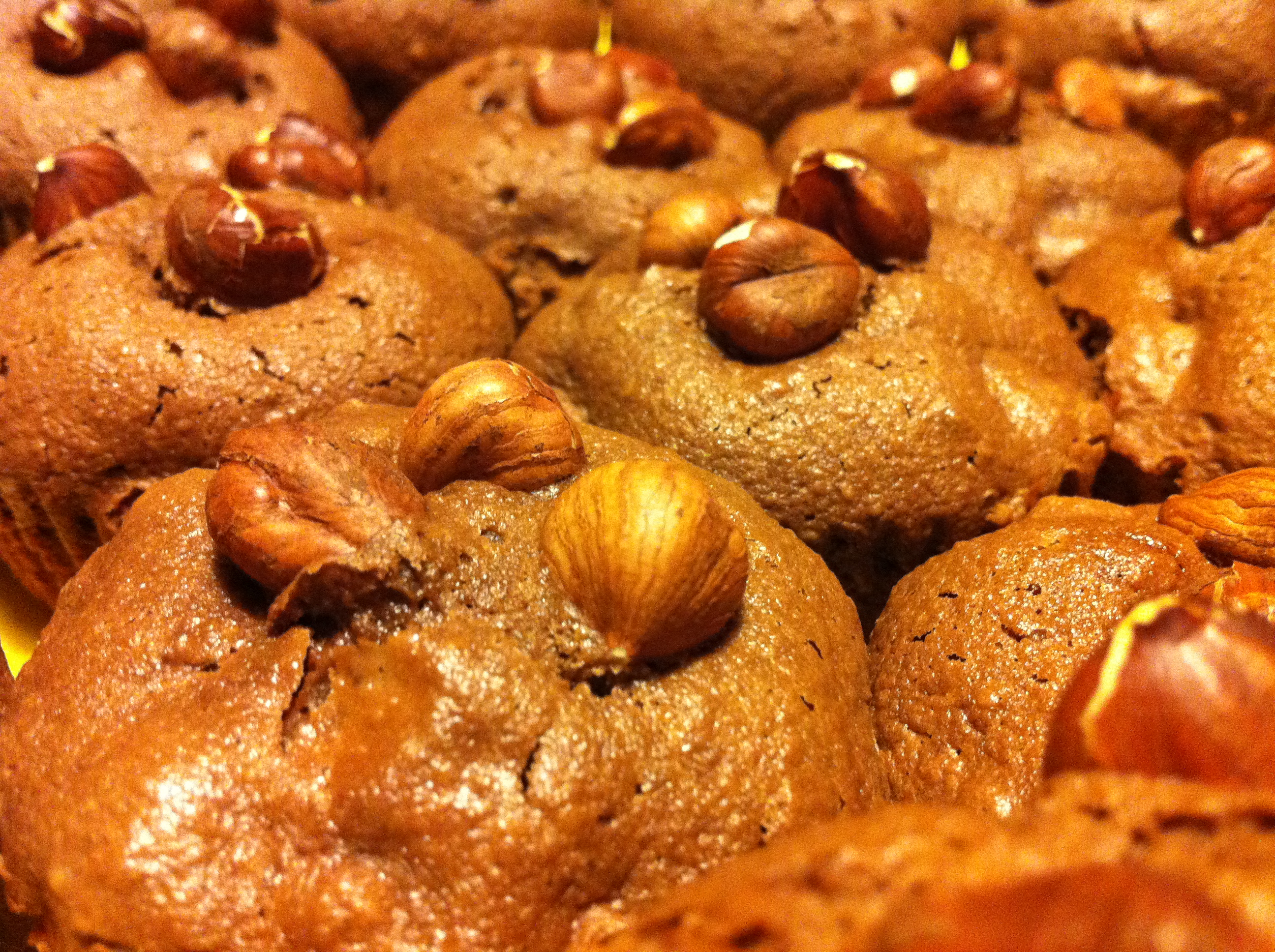
My personal contribution to World Nutella Day. Yumsies inspired by Savory Sweet Life’s recipe.