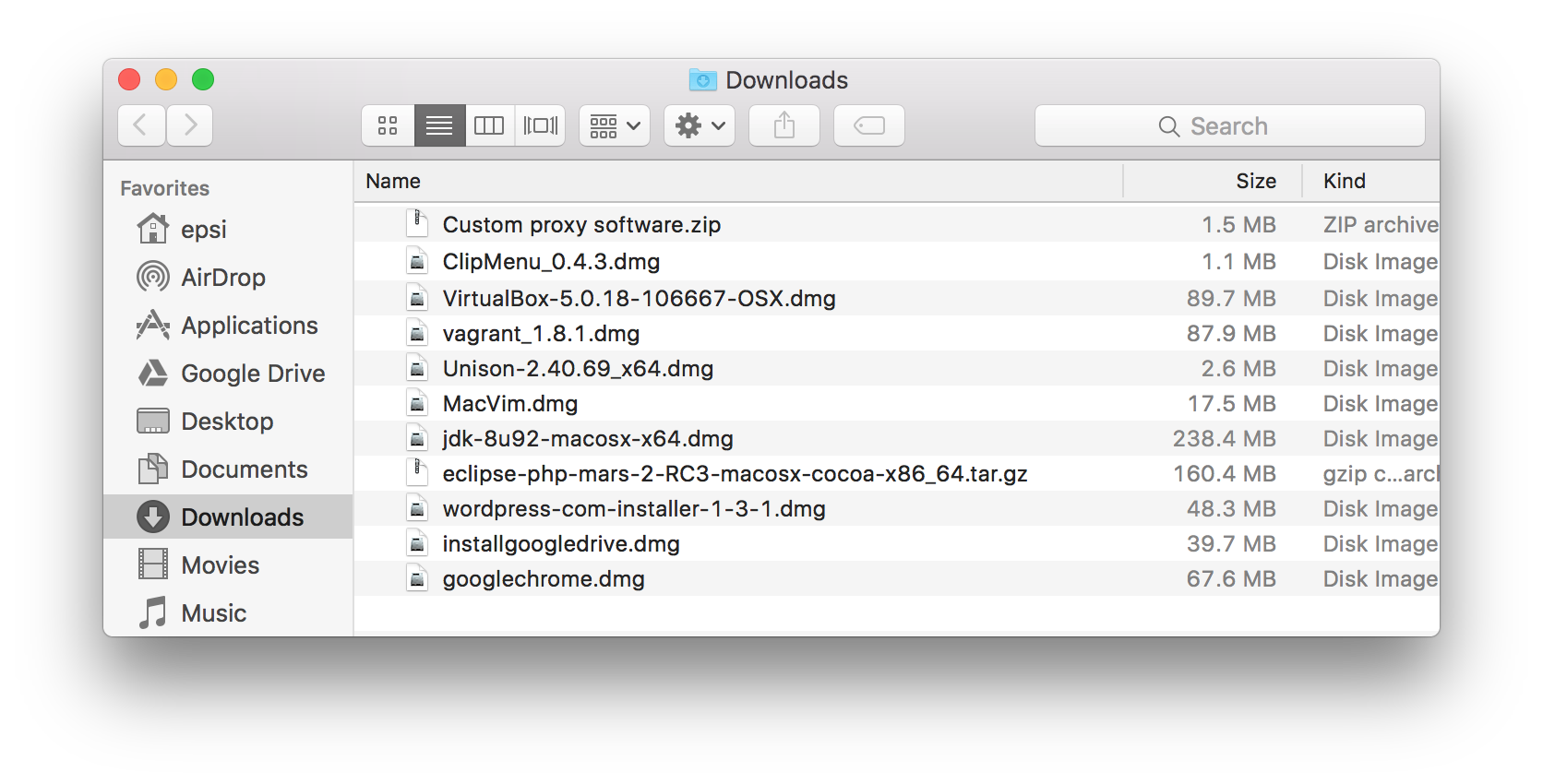
Software it took to make my new Mac mine
Comments
-
Not switching to Fedora on the new machine?
-
Not immediately, have to get productive, and don’t know what to expect on MBP, haven’t researched. If I do, it’ll be during a vacation or weekend.
-
-
Next time start by installing homebrew, and you won’t have to go hunt for disk images to install your favourite software 🙂
-
I’m setting this one clean, for the 1st time in like 15 years (no migration assistant carrying my decade old crap over). All my work is in VMs or remote sandboxes, so my needs are few on the host OS.
-
Right, but…
[code]
brew tap caskroom/caskbrew cask install clipmenu
brew cask install virtualbox
brew cask install vagrant
brew install unison
brew install macvim
brew cask install eclipse-php
brew cask install wordpresscom
brew cask install google-drive
brew cask install google-chrome
[/code]That would have saved you some time 🙂
Keep a list of your favorite apps up to date in a .sh file, and reinstalling a new Mac from scratch will be super quick; all you’ll have to do is run the executable and let homebrew install everything for you 🙂
-
Good point.
-
-
-
-
What does macvim offer over the default vim installation?
-
It’s just a native wrapper so you can start it as a standard Mac app, which allows one to make it one’s default text editor throughout OSX.
-


Leave a Reply